
Introduction
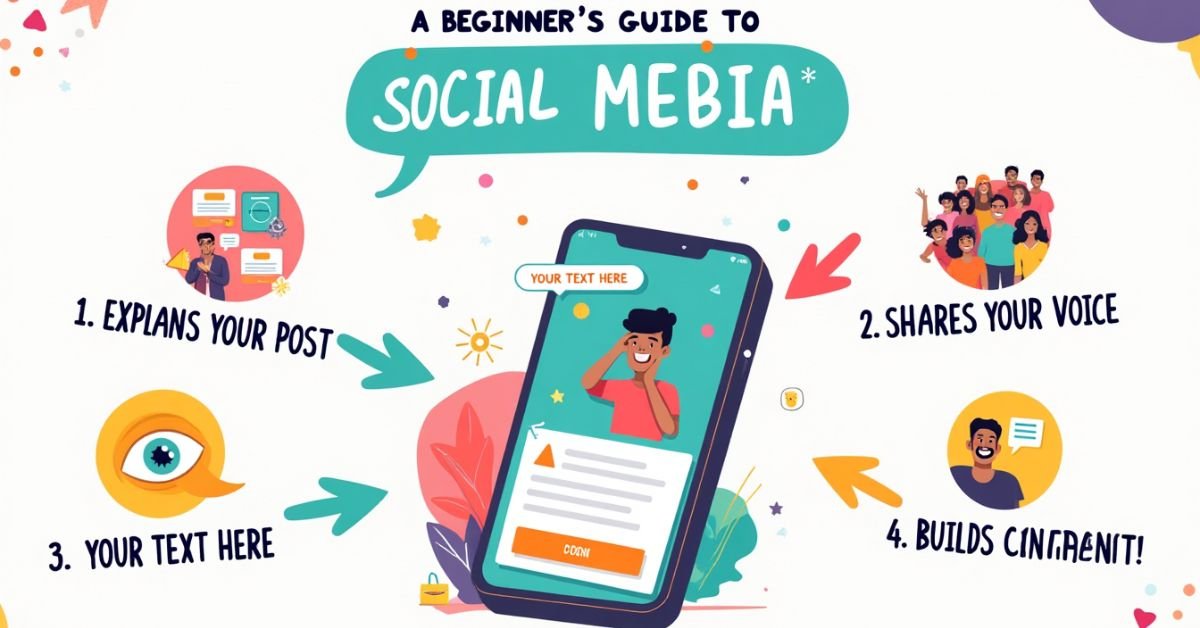
A social media caption is the text that lives underneath your photos or videos. It is the space where you explain your post, tell a story, or provide context to what your audience is seeing. Essentially, it is the written voice of your visual content.
Think of your favorite creator. Do you just look at their picture, or do you stop to read what they have to say? A great caption is the secret sauce that turns a random scroller into a loyal follower. It is the best way to spark a real conversation and get people to actually care about your brand.
In this guide, we are going to break down how to write captions that grab attention. We will cover the basic structure of a post and share some simple tips to make your writing feel more natural. You don’t need to be a professional writer to get this right; you just need to know the fundamentals.
What Is a Caption in Simple Words
A caption is just the text that goes along with a picture or video. It tells the reader what is happening in the image. You can use it to share a thought, tell a joke, or give more details. It helps turn a simple photo into a full story.
Without a caption, a post can feel a bit empty. The words help people understand why you shared the post in the first place. It is like talking to a friend about a photo you just showed them. Using simple, clear words makes it easy for everyone to join the conversation.
Why Captions Are Important
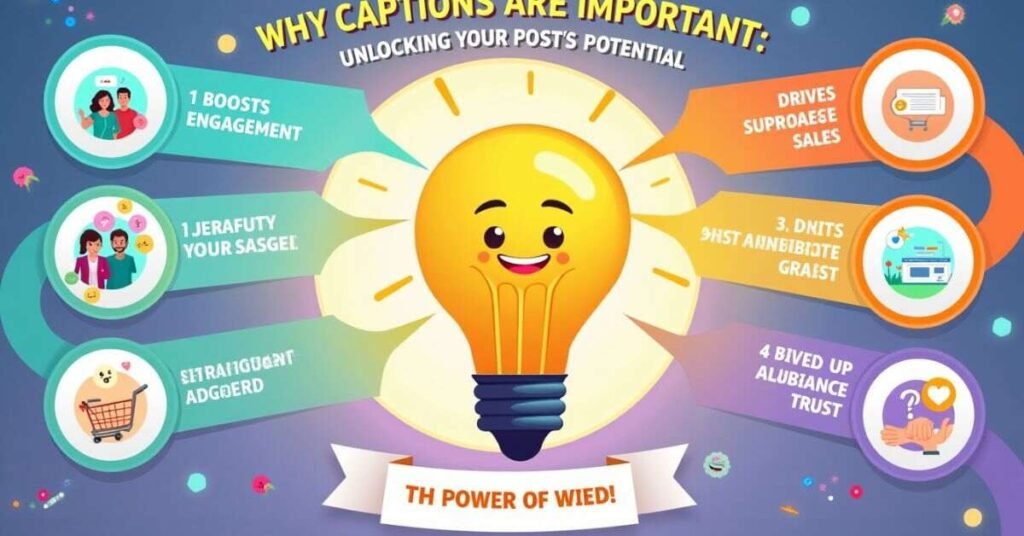
Captions are the secret to getting people to stop scrolling. While a photo grabs the eye, the words are what actually keep someone’s attention. They give your post a personality and make it feel more human. A good caption helps your audience understand your message and feel a connection with you.
When you write a caption, you are starting a conversation. It gives people a reason to leave a comment or share your post with a friend. Without these words, your followers might just look and move on. Adding a simple description makes your content much more helpful and interesting for everyone.
Here is why they matter:
- Better Reach: Social media apps show your posts to more people when they see users reading and commenting.
- Clear Messages: You can explain exactly what is happening so there is no confusion.
- Building Trust: Sharing your thoughts helps your audience get to know the real person behind the account.
- Direct Action: You can tell people exactly what to do next, like clicking a link or answering a question.
Where Captions Are Used
Captions are found all over the internet every single day. You see them most often on social media apps like Instagram, Facebook, and TikTok. They help explain the photos and videos you share with your friends or followers. Without these words, people might not understand the story behind your post.
You also find captions in places like news websites and digital blogs. They are used to describe charts, news photos, and even products in online stores. Using clear text helps everyone get the right information quickly. It makes the digital world much easier to navigate and understand for every reader.
Common places you will see them:
- Social Media: On apps like Instagram to describe your latest vacation or meal.
- Video Platforms: Under YouTube or TikTok videos to give a quick summary.
- News Articles: Below a photograph to tell you who is in the picture.
- Business Websites: Next to a product image to explain its features and price.
- Educational Blogs: Under a diagram to help students learn a new topic.
Common Types of Captions
There are many ways to write a caption depending on your goal. Some people like to keep things very short and sweet with just a few words. Others prefer to tell a long story that helps their followers feel more connected. Choosing the right style helps your post match the mood of your photo or video.
You can also use captions to be helpful or funny. Educational captions teach your audience something new, while funny ones make people smile. The best part is that you can switch between these styles whenever you want. This variety keeps your page interesting and gives people a reason to keep coming back.
Here are some popular styles you can use:
- Short and Sweet: Just a few words or an emoji to keep the focus on the image.
- Storytelling: A longer paragraph that shares a personal memory or a behind-the-scenes look.
- Educational: Clear tips or facts that teach your readers how to do something.
- Question-Based: A caption that ends with a question to get people talking in the comments.
- Inspirational: Positive quotes or thoughts to give your audience a little boost.
Caption vs Subtitle Difference
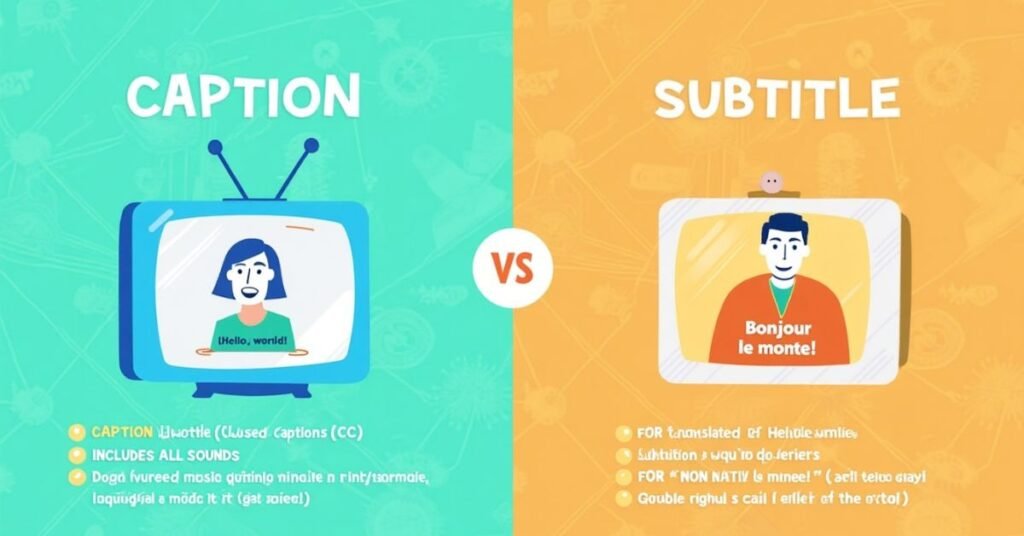
Many people think captions and subtitles are the same thing, but they have different jobs. Captions are made for people who cannot hear the audio. They include the spoken words and also describe background sounds like music or a door slamming. This helps the viewer understand everything happening in the video, even without sound.
Subtitles are mainly used for translating one language into another. If you are watching a movie in a different language, subtitles show the translation at the bottom of the screen. They usually only show the spoken words and do not include sound descriptions. Knowing the difference helps you choose the right one for your audience.
Comparison Table: Captions vs. Subtitles
| Feature | Captions | Subtitles |
| Primary Purpose | Deaf and hard-of-hearing people can benefit from this service. | To translate spoken dialogue into a different language. |
| What is Included? | Spoken words, background noises, and music cues. | Only the spoken dialogue is translated. |
| Assumption | Assumes the viewer cannot hear the audio at all. | Assumes the viewer can hear, but does not know the language. |
| Social Media Use | Used to make videos accessible for everyone. | Used to reach people in different countries. |
| Common Example | Closed captions (CC) on a TV show or YouTube. | English text at the bottom of a French film. |
| Benefit | Helps people watch videos in noisy or silent places. | Allows you to enjoy content from all over the world. |
Caption Examples for Photos
Writing a great caption does not have to be hard. You can start with a simple sentence that describes your mood or the view. Sometimes, a short and sweet line is all you need to make a photo stand out. The goal is to make your friends feel like they were right there with you.
You can also use captions to share a little bit of your personality. Adding a fun emoji or a quick thought makes your post feel more human. It is okay to experiment with different styles until you find what feels right. Just be yourself and keep your sentences clear for everyone to read.
Here are some simple examples you can use:
- For a Nature Photo: “Enjoying a quiet walk in the garden today. The flowers are finally starting to bloom.”
- For a Travel Photo: “Exploring a new city and loving every minute. There is so much to see here.”
- For a Food Photo: “Trying this new recipe for lunch. There’s more to it than meets the eye!
- For a Selfie: “Just a simple day with a big smile. Hope everyone is having a great week.”
- For a Workspace Photo: “Getting some work done on a new project. Coffee is definitely helping me stay focused.”
How to Write a Good Caption
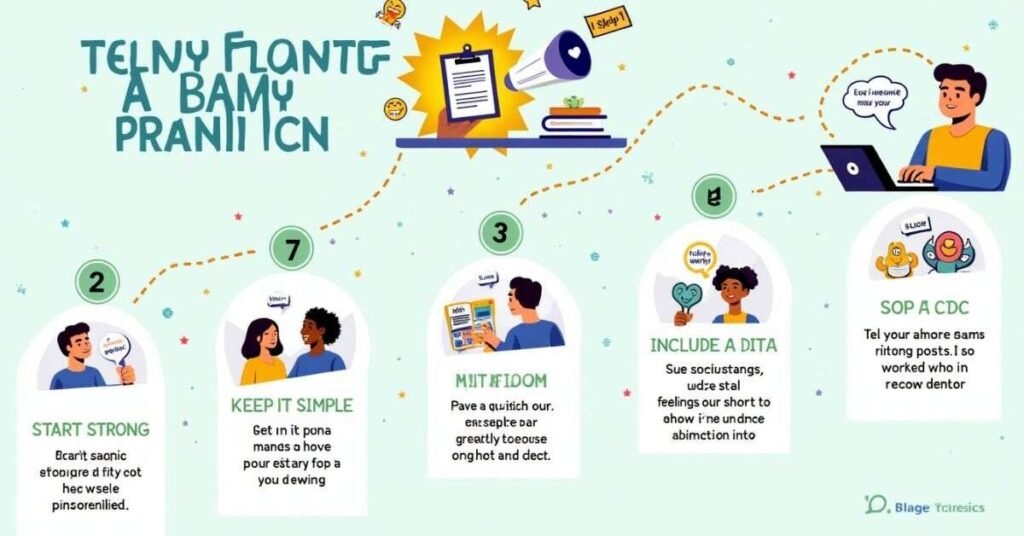
Writing a good caption starts with knowing your audience. You want to speak to them like you are talking to a friend. Use simple words and keep your sentences short so they are easy to read. A great caption should always add something extra to your photo or video.
It is also important to be very clear about your message. You can share a story, give a helpful tip, or ask a fun question. Ending with a small instruction helps your followers know what to do next. Being yourself is the best way to make your writing feel natural and human.
Here are some simple steps to follow:
- Start Strong: Use your most important words in the first sentence to grab attention.
- Keep it Simple: Avoid using big or confusing words that are hard to understand.
- Add a Break: Use empty lines between paragraphs to make the text look clean.
- Use Emojis: Add one or two emojis to show your mood and add a bit of color.
- Ask a Question: Invite people to comment by asking for their thoughts or opinions.
Tips for Better Captions
Writing better captions starts with keeping your audience in mind. You want to speak directly to them in a friendly and natural way. Try to use short sentences that are easy for anyone to read on a phone screen. When you write like a human, people feel a much stronger connection to your content.
Another great tip is to give your text some room to breathe. Use line breaks to separate your ideas so the caption does not look like a big block of text. This makes your message feel light and professional at the same time. Remember that a clear and simple caption is always better than a complicated one.
Here are some quick tips to try:
- Use Active Words: Choose words that show action to make your writing feel more alive.
- Be Authentic: Share your real thoughts instead of trying to sound like a robot.
- Check Your Length: Match the length of your caption to the mood of your photo.
- Proofread: Read your caption out loud once to make sure it sounds natural.
- Add a Call to Action: Tell your followers exactly what you want them to do next.
Caption Writing Mistakes
Even experienced writers can make simple mistakes when posting online. One common error is making a caption way too long without any breaks. This creates a big wall of text that is very hard for people to read on their phones. Most users will just skip past your post if the writing looks too crowded or confusing.
Another mistake is forgetting to check for spelling or grammar errors. When a caption has many mistakes, it can make your message look a bit messy. It is also important not to sound like a robot by using too many professional words. Keep your tone natural and friendly so your audience feels like they are talking to a real person.
Here are some things to avoid:
- No Line Breaks: Writing one giant paragraph that hurts the eyes to read.
- Being Too Formal: Using big, fancy words that sound stiff and unnatural.
- Ignoring the Audience: Not thinking about what your followers actually want to hear.
- Too Many Hashtags: Putting a long list of hashtags at the very top of your post.
- No Goal: Posting a caption that doesn’t really say anything or ask a question.
Best Caption Ideas
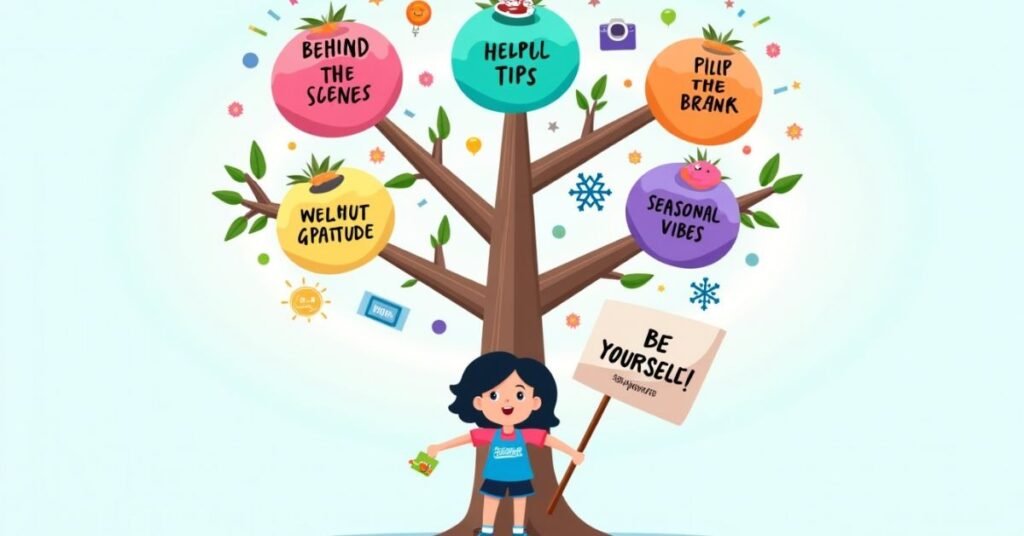
Finding the right words for your post can be fun. The best ideas often come from your daily life and real feelings. You can share a small win, a funny moment, or a helpful tip you just learned. When you stay true to yourself, your captions will naturally feel more interesting to others.
Sometimes, a classic approach works best to get people talking. Using a famous quote or a simple question is a great way to start. You don’t need to overthink it to make an impact. Just choose a style that fits the mood of your photo and keep your sentences short and sweet.
Try these simple ideas for your next post:
- Behind the Scenes: Show what is happening in your life or work right now.
- Helpful Tips: Share one quick thing that makes your day easier.
- Daily Gratitude: Mention one small thing you are thankful for today.
- Fill in the Blank: Start a sentence and let your followers finish it in the comments.
- Seasonal Vibes: Talk about the weather, a holiday, or the current time of year.
Conclusion
Writing great captions is a skill that anyone can learn with a bit of practice. You don’t need to be a professional writer to connect with your audience. Just remember to keep your sentences short and your words simple. When you speak from the heart, people will naturally want to stop and read what you have to say.
The most important thing is to just start writing and be yourself. Experiment with different styles to see what your followers enjoy the most. Over time, you will find your own unique voice and feel more confident. Keep your focus on being helpful and friendly, and your social media presence will surely grow.
FAQs
1. What is the main purpose of a social media caption?
The main goal is to provide context to your photo or video and encourage your audience to engage with your post.
2. How long should a good caption be?
It depends on your goal, but keeping it between one to three short paragraphs is usually best for keeping people’s attention.
3. Do I always need to use hashtags in my captions?
Hashtags help new people find your content, but you should place them at the end so they don’t distract from your message.
4. Can I use emojis in professional captions?
Yes, using one or two emojis is a great way to add personality and make your writing feel more human and friendly.
5. How do I get more comments on my posts?
The best way is to end your caption with a simple question that invites your followers to share their own thoughts.

Welcome to Digital Pin Media! I’m Usama Ijaz, an AI-Powered SEO, and Content Write with 4 years of experience.
I help websites rank higher, grow traffic, and look amazing. My goal is to make SEO and web design simple and effective for everyone.
Let’s achieve more together!







One Comment